02 · Guide
Your workspace
Understand the dashboard, open projects and find exports and account settings.
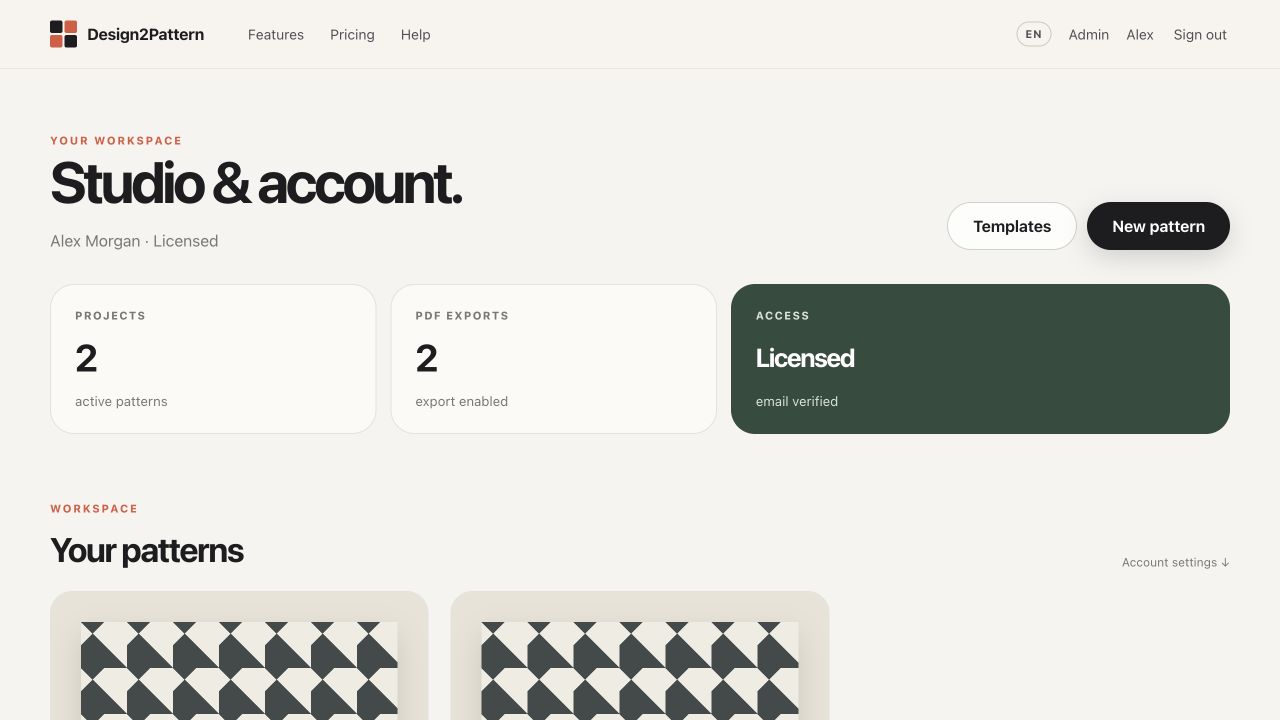
The three summary cards
Projects counts active patterns. PDF exports counts files created by your account. Access shows whether you are in a trial, licensed or read-only state. These cards are information only; they do not change your work.
Open a project
Every pattern appears as a card. Choose the preview or project name to open the editor. The PDF shortcut opens Print Studio directly.
Project actions
Choose the three-dot menu on a project to open it, create a PDF or move it to the bin. Moving a project to the bin does not delete it permanently.
Bin and restore
Open the Bin section below your project cards to see removed projects. Choose “Restore” to return a project to the normal workspace.
Recent PDFs
The Archive panel lists your latest generated PDFs. Choose a file to download it again without rebuilding the pattern.