01 · Guide
Getting started
Create an account, sign in safely and recover access if you forget your password.
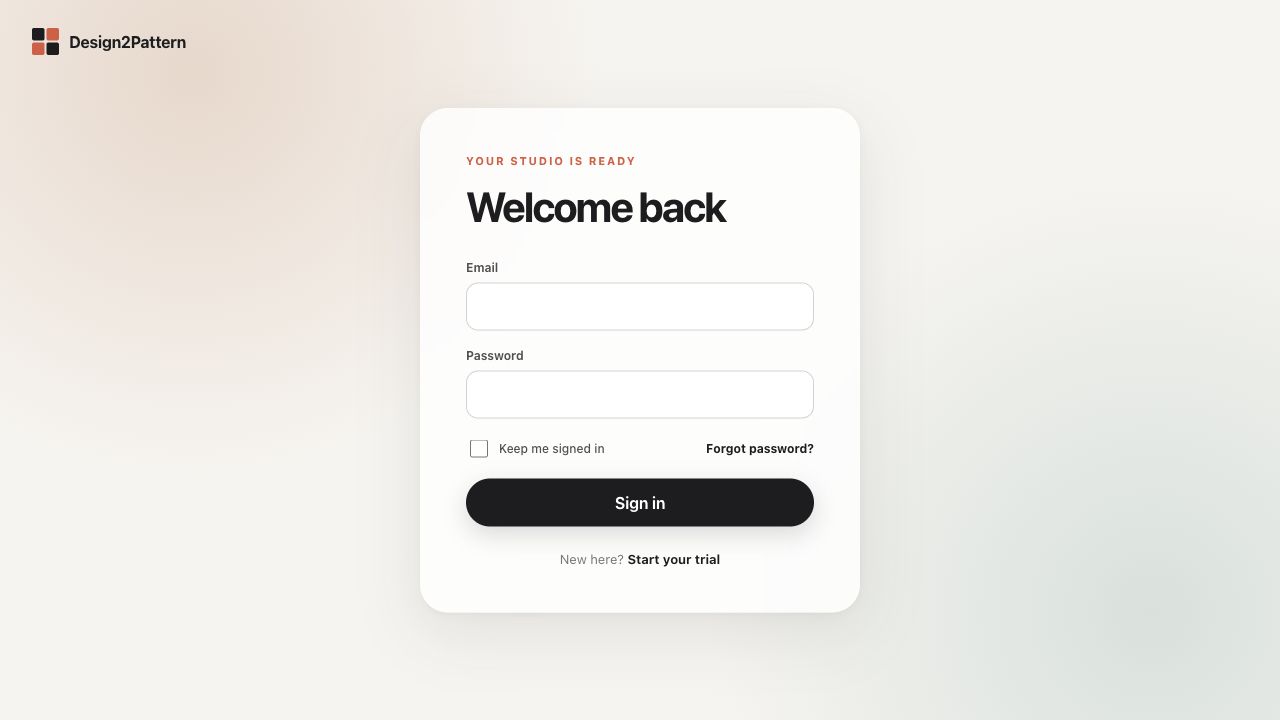
Create your account
Choose “Start your trial” and enter your name, email address and a password of at least 10 characters. Your trial starts as soon as registration succeeds.
- Open app.design2pattern.com/register.
- Enter your name, email and a password you do not use elsewhere.
- Choose “Start trial”. You will arrive in your workspace.
Verify your email
Design2Pattern sends a verification link to the address you registered. You may already design and export trial PDFs while the message is on its way. If it does not arrive, open Account and choose “Resend verification email”.
- Check the inbox and spam folder.
- Open the verification link once.
- Return to the workspace; the access card will show “email verified”.
Sign in and stay signed in
Enter your email and password on the sign-in page. “Keep me signed in” is useful on your own computer, but should stay off on a shared device.
Forgotten password
Choose “Forgot password?” below the password field. Enter your email and submit the form. For privacy, the page gives the same answer whether or not an account exists. The reset link is valid for one hour and can only be used once.
- Open the link in the reset email.
- Enter the new password twice.
- Sign in again. Existing sessions are closed for your protection.
Sign out
Choose “Sign out” in the top navigation when you are finished, especially on a computer that other people can use.